Download HQ for Windows.
Free to download. It runs on the Claude or ChatGPT subscription you already have. This is an early release, tested on one Windows 11 PC so far.
(Current release)
HQ-52
- File
- HQ-52.zip
- Size
- 463 KB (463,098 bytes)
- SHA-256
- 8ebfdd3d620aaa442a275a193a4383d89d92fc11789d90dc4d1442ebfbc8ed9c
- Released
- 26 October 2026
- Runs on
- Windows 10 and 11
By downloading you agree to the Terms of Use and Privacy Policy.
To check the file before you run it, open PowerShell in your Downloads folder and compare the result with the SHA-256 above:Get-FileHash .\HQ-52.zip -Algorithm SHA256
(Install)
Unzip the folder anywhere
Right-click HQ-52.zip, choose Extract All, and open the folder.
Double-click install.cmd
Or right-click install.ps1 and choose Run with PowerShell.
If SmartScreen stops it: More info → Run anyway
HQ isn't code-signed yet, so Windows shows "Windows protected your PC". Click More info, then Run anyway. Check the SHA-256 first if you want to be sure the file is ours.
Let the installer finish
It checks for Node.js 20 or newer and installs Node.js LTS with winget if it's missing, copies HQ to %LOCALAPPDATA%\Programs\HQ, adds Desktop and Start Menu shortcuts, and opens HQ.
Connect an account and brief your team
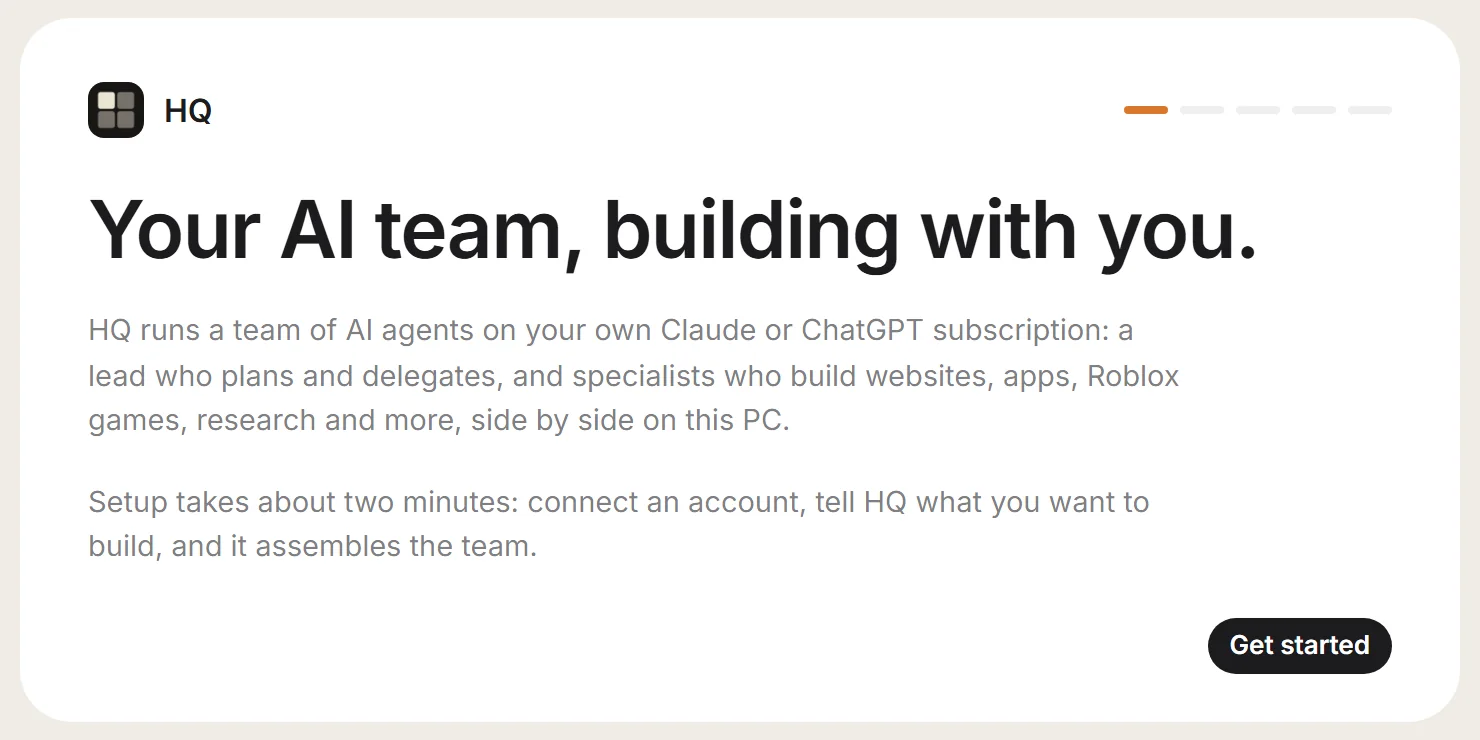
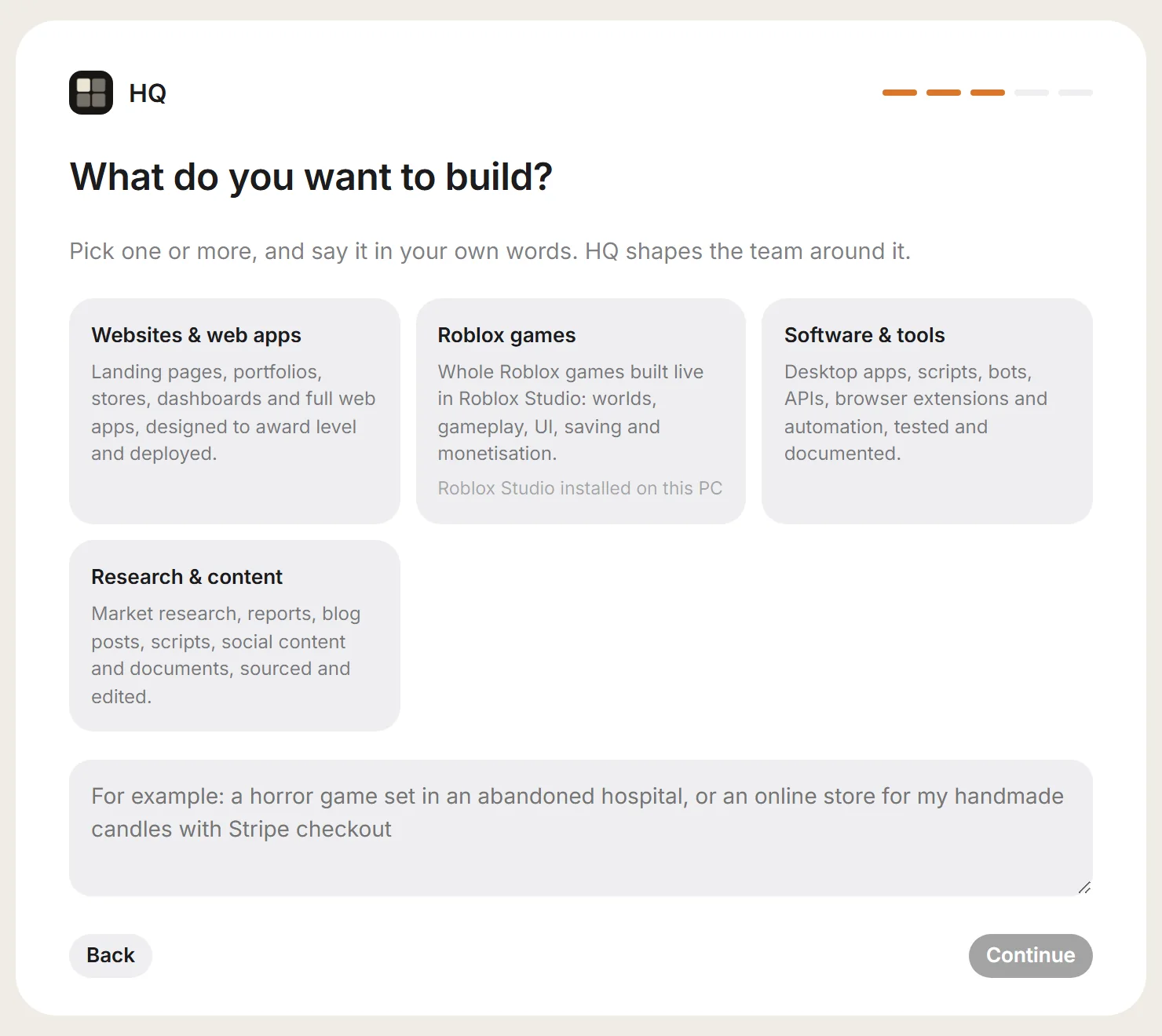
HQ installs Claude Code or Codex for you and opens the sign-in. Then say what you want to build, pick a projects folder, and HQ plans the team.
(You need)
Requirements
- Windows 10 or 11
- Node.js 20 or newerThe installer adds it with winget if you don't have it.
- Claude Pro or Max, or ChatGPT Plus or ProClaude runs through Claude Code, ChatGPT through Codex. More accounts let more agents work at once.
- An internet connection
(Installed for you)
What HQ sets up itself
- Node.js LTSOnly if Node.js 20+ is missing and winget is available. Otherwise it points you to nodejs.org.
- HQ in %LOCALAPPDATA%\Programs\HQRunning install.cmd again updates it and keeps your data folder.
- Desktop and Start Menu shortcuts
- Claude Code or CodexFrom the first screen, when you connect an account.
- HQ Bridge for Roblox StudioThe Studio plugin, when you build a Roblox game.
(Roblox games)
Roblox extras
- Roblox Studio installedThe agents open Studio themselves.
- Enable Studio as MCP server, onceIn Studio: Assistant → … → Manage MCP Servers, then switch on Enable Studio as MCP server.
- Enable Studio Access to API ServicesGame Settings → Security. Needed for saving player data.