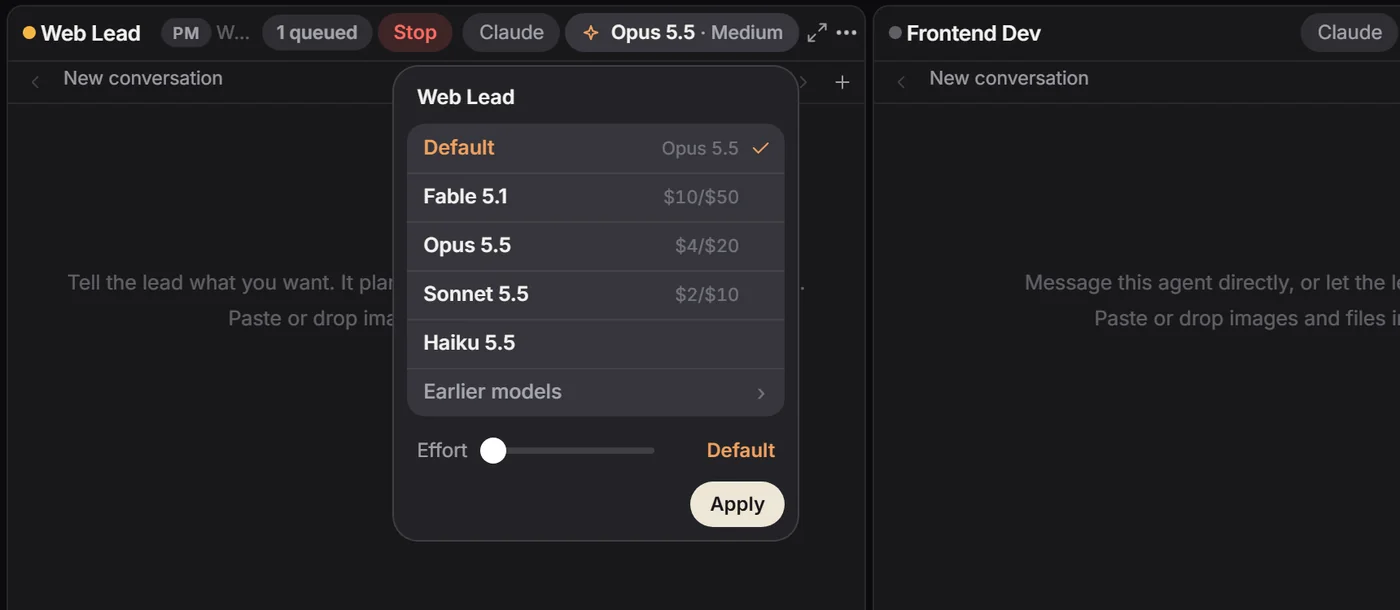
(Models)
Model and effort per pane
Fable 5.1, Opus 5.5, Sonnet 5.5 or Haiku 5.5, with effort from Low to Max. Switch now, or from the next message.
HQ is one Windows window holding many Claude Code sessions, each on the subscription account you pick. Close the window and the agents keep working.
Download for Windows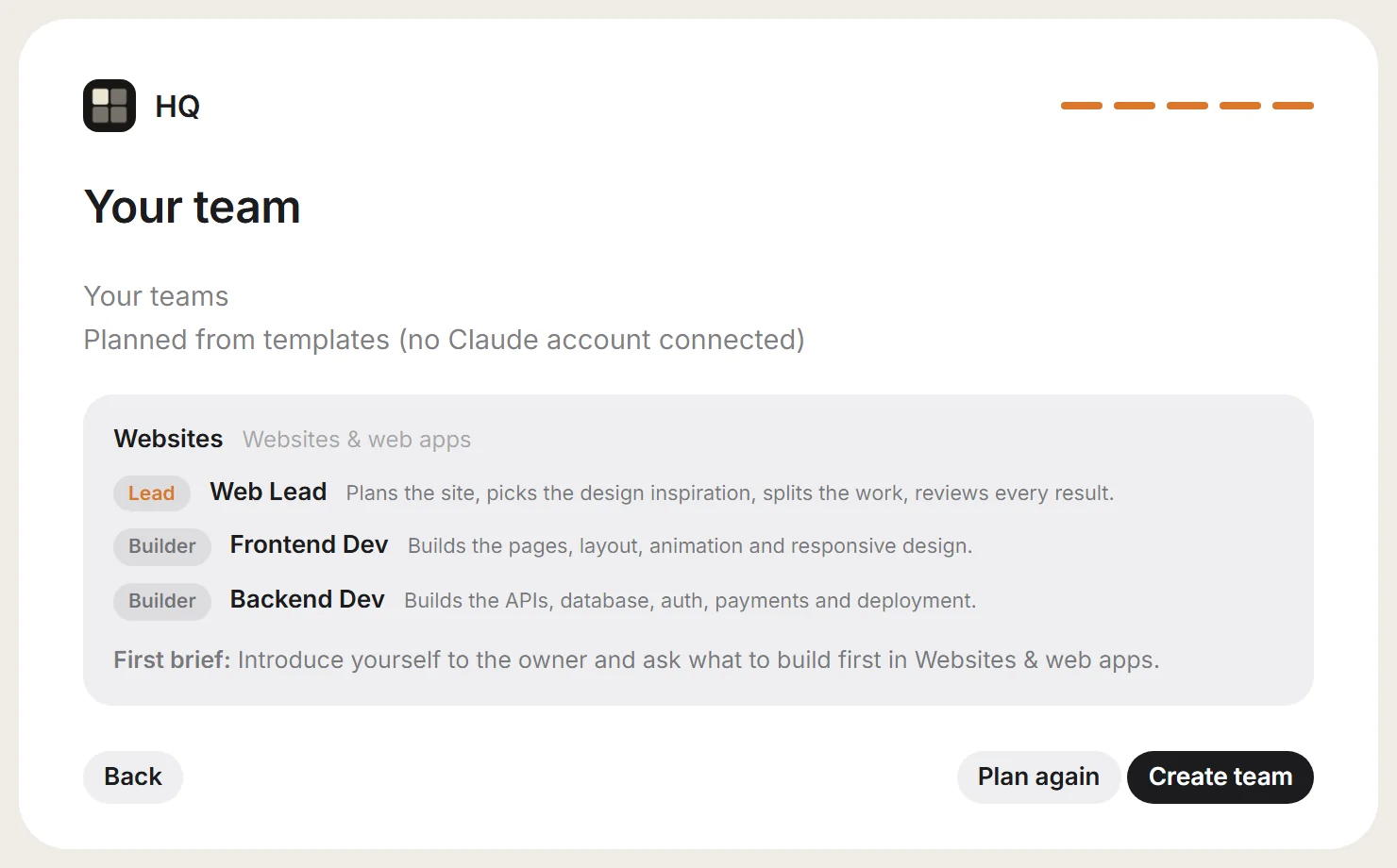
(Lead)
The PM
(Worker)
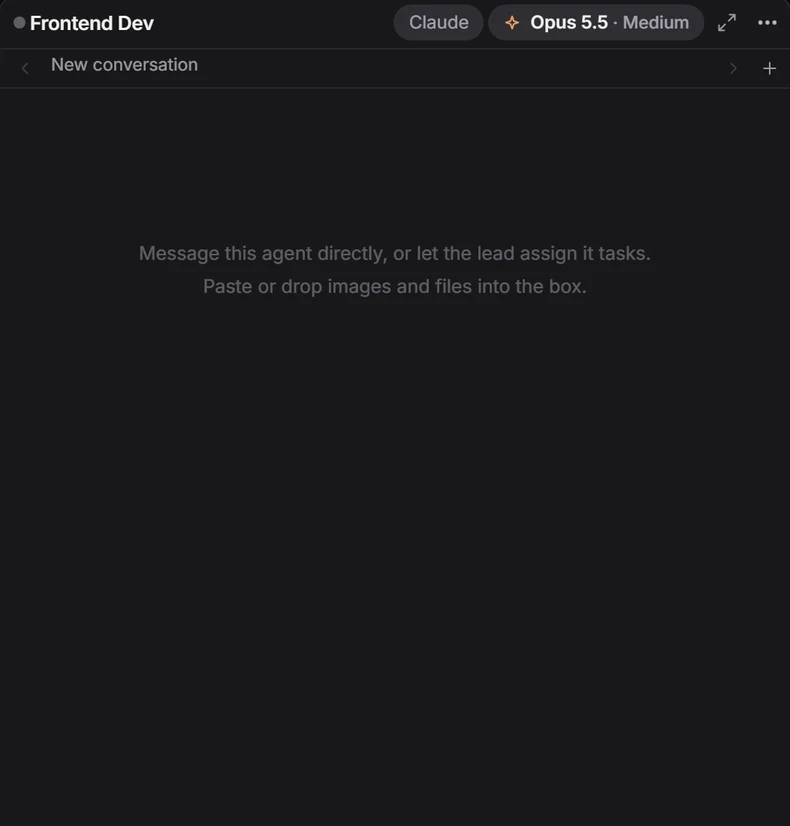
Frontend Dev
(Worker)
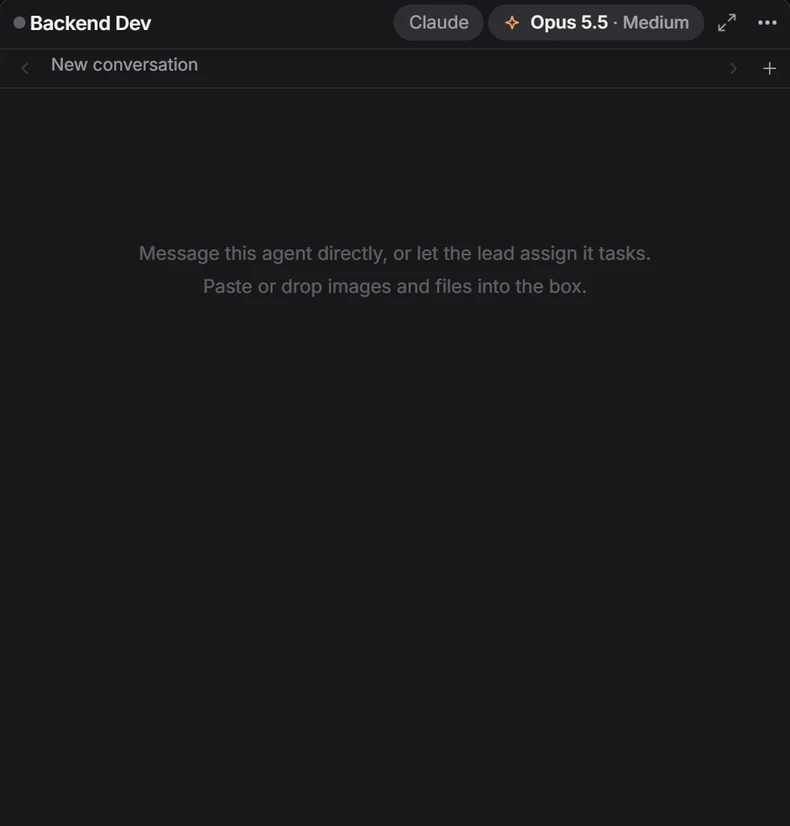
Backend Dev
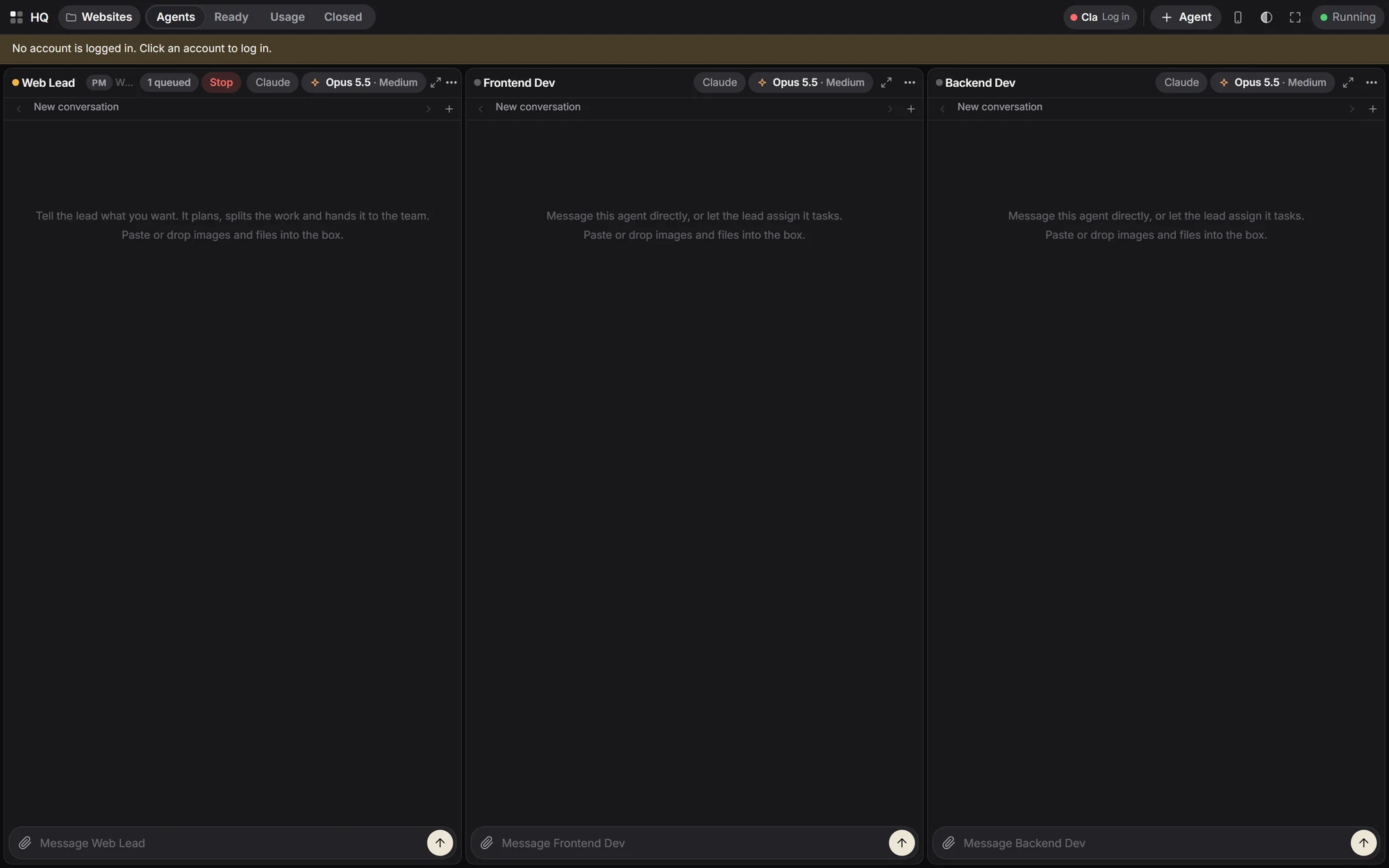
(1) Web Lead plans the site, picks the design inspiration, splits the work and reviews every result.
(2) Frontend Dev builds the pages, layout, animation and responsive design.
(3) Backend Dev builds the APIs, database, auth, payments and deployment.
The real HQ-52 window on a fresh install, before signing in, so the panes are still empty and the banner asks for a login. Every picture on this site is the real app.
HQ reads each account's 5-hour and weekly usage, the same numbers Claude Code's /usage shows, every 2 minutes and after every turn. An agent stays on its account until that passes 85%, then moves to the least-used one and keeps its conversation. When every account is full, the work waits and starts again after the reset.
A diagram of that rule on a fast clock: the cream fill is the 5-hour window, the line is 85%, the dots are agents and the lit one is the PM. Drag an agent to another account.
(Install)
Unzip the folder and double-click install.cmd. HQ isn't code-signed yet, so Windows SmartScreen may stop it: choose More info, then Run anyway. The installer adds Node.js if it's missing, puts HQ in your user programs and opens it. HQ then installs Claude Code or Codex for you and opens the sign-in.
(Models)
Fable 5.1, Opus 5.5, Sonnet 5.5 or Haiku 5.5, with effort from Low to Max. Switch now, or from the next message.
(Workspaces)
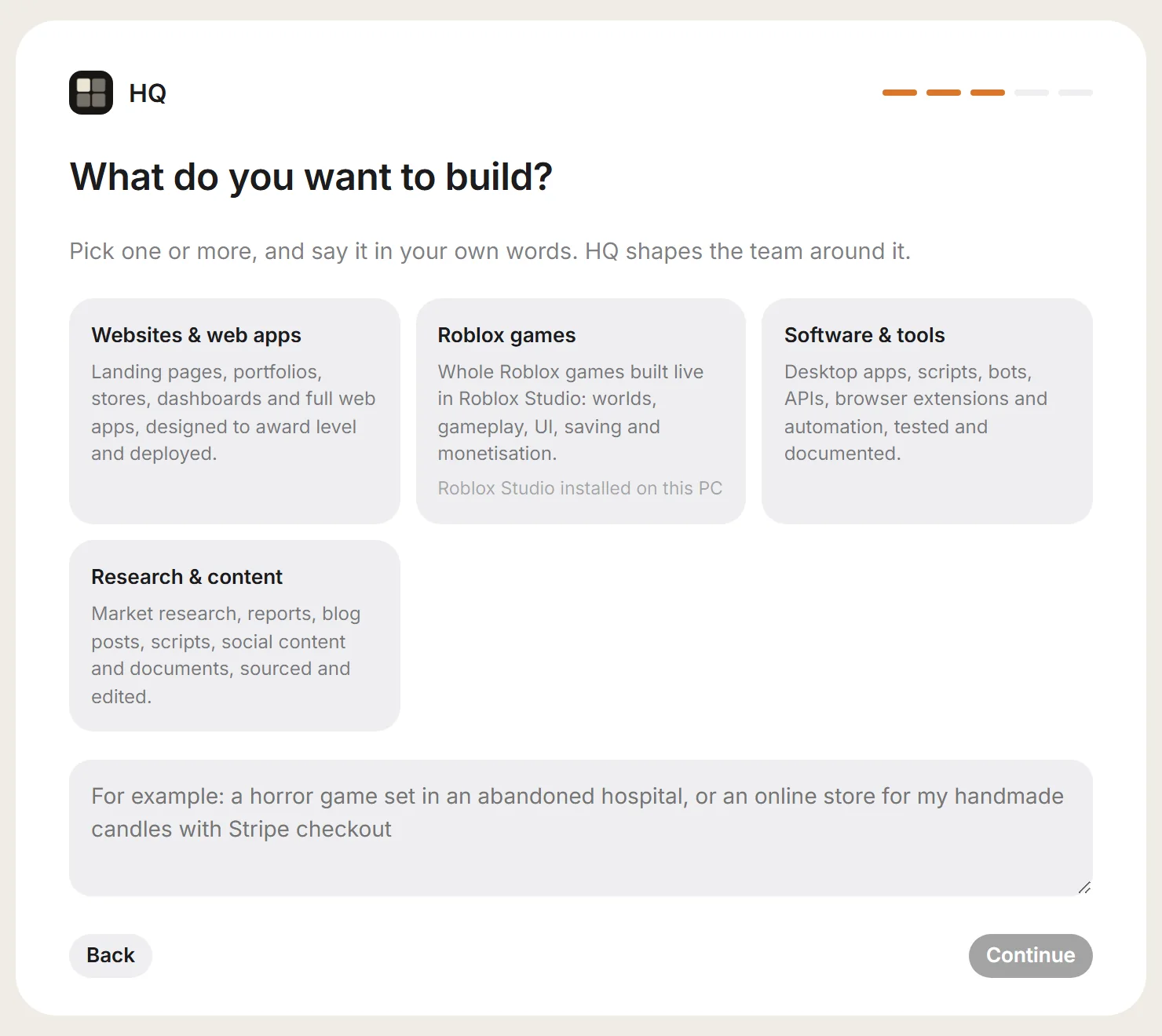
Each workspace has its own folder and lead. Templates for websites and web apps, software and tools, research and content, and Roblox games.
(Usage)
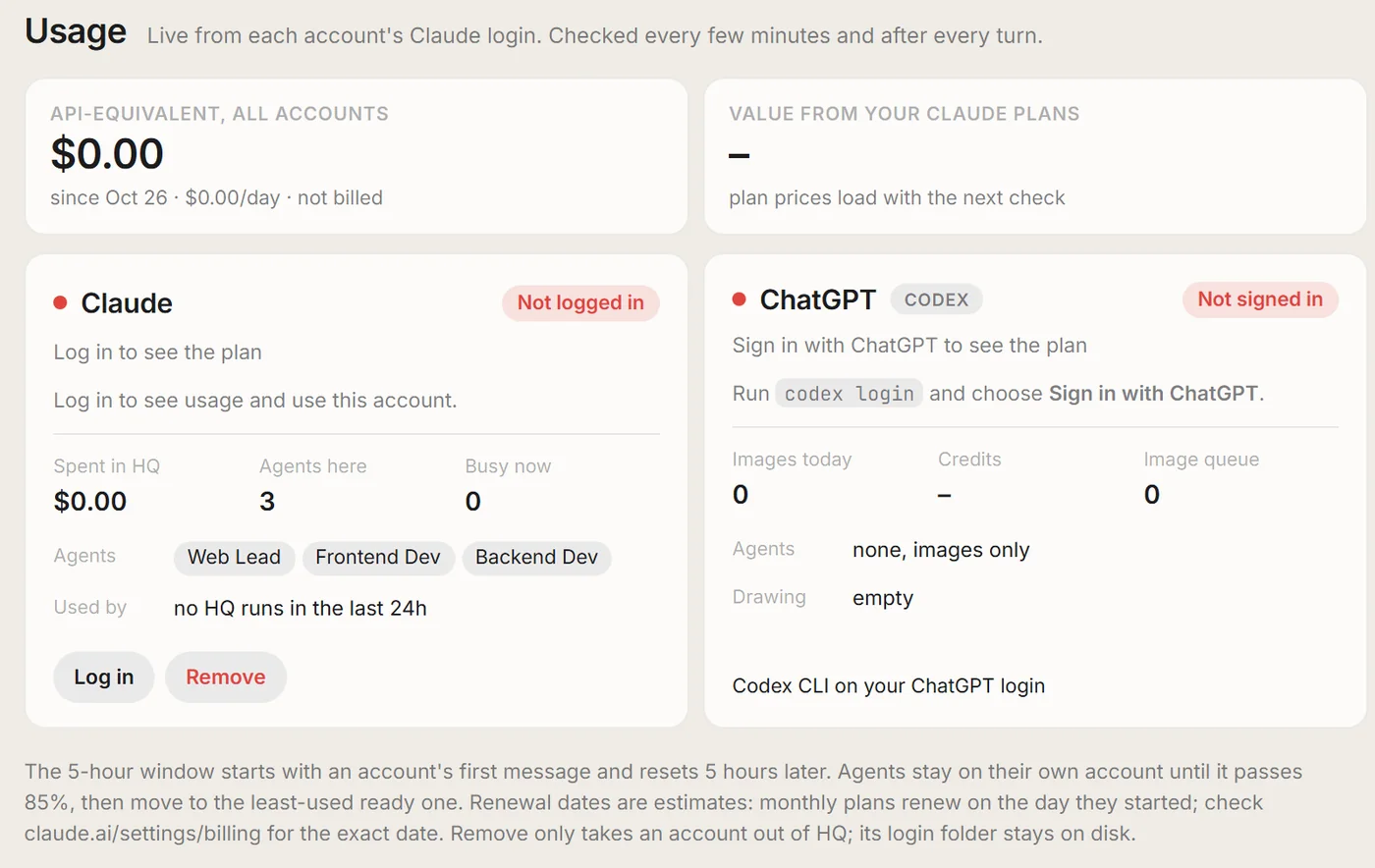
Plan, 5-hour and weekly use, reset times and which agents sit where. Add accounts from the same tab.
(Phone)
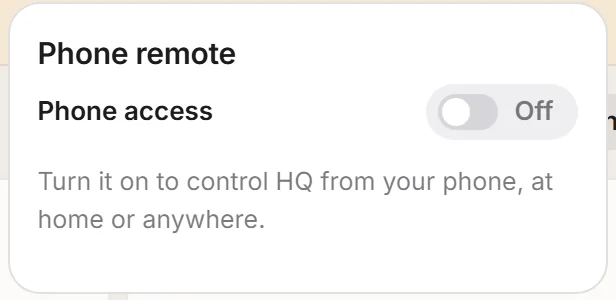
Turn on Phone access and scan the code. Home Wi-Fi or anywhere through a Cloudflare tunnel, behind a PIN.
(ChatGPT)
Add ChatGPT agents that run Codex on your ChatGPT plan, so they never touch your Claude limits. Agents make logos and posters with ChatGPT's image model.
(Roblox)
Agents open Roblox Studio and build worlds, gameplay, UI and saving live through HQ Bridge, the Studio plugin HQ adds.
(Recovery)
Network errors retry after 1, 2, 5, 10 and 15 minutes. Every pane has Stop, Retry and a queue, and Enter talks to a working agent at its next step.
(Setup)
Connect an account, say what you want to build, pick a projects folder, and HQ assembles the team.